
AI Phone Systems: 3 tips to improve your Voice Agents
Voice AI looks like a finished product on vendor websites: connect a voice assistant, write a prompt, done. But as so often, the devil is in the details. The difference between a demo that impresses in a meeting and a bot that actually helps in everyday use - without driving callers up the wall - usually comes down to configuration details.
A few things worth paying attention to if you want to improve the performance of your own bots.
1. The AI Answers, But Nobody Hears It
Depending on configuration, modern voice assistants don't wait until they've generated the full answer - they start streaming it earlier, so the caller doesn't have to wait for a finished response. This feature is called TTS streaming. It usually works reliably as long as the bot responds directly to something the user said and already has the information it needs on hand.
It gets more complicated when there's an intermediate step between question and answer: a tool call - say, a scheduling lookup - or a document search running in the background. This is exactly where, depending on how the sub-agents are configured, a task can finish "too fast" and throw the bot off. The response can even be logged in the system as fully generated and "sent" - but never actually reach the caller as audible sound. Instead, there's just silence at first - followed by a confused "Hello?" from the caller.
What helps: Test your configuration thoroughly, and don't rely on text logs alone. Spot-check call recordings against the logs, especially for responses that follow tool calls or data lookups. Anyone who only checks the conversation transcripts will miss exactly these cases.
2. Latency, Model Choice and Base Configuration Matter At Least As Much As the Prompt
Many projects put most of their energy into the prompt - the wording, the personality, the tone. But often it's the layer underneath that decides whether a bot feels alive or sluggish.
Latency isn't a single number - it's made up of several separate stretches. The figure that matters is the time from the caller's last word to the first word of the response. It breaks down into three parts:
The time speech recognition needs to even detect that a sentence has ended
The processing time of the language model, including any tool calls
The time the speech output needs to produce its first word
Each of these three stretches can be optimized individually, and depending on the system, can use different models - ones better suited, or cheaper, for that specific task.
A few levers that actually make a difference (depending on your provider and AI model capabilities):
Detect sentence endings earlier, instead of waiting for full certainty (active listening mode): Processing can start as soon as an intermediate result is available with high confidence, and be corrected later if needed.
Speak the response word by word instead of waiting for the whole sentence (TTS streaming).
TTS streaming can shorten response time, but can also introduce errors. Test the behavior in your own environment.
Add short, natural-sounding filler words
Some tools let you play sounds - like keyboard clicking - or phrases like "One moment, please…" without any extra prompting, whenever the bot is still "thinking," which avoids unnecessary dead air.
Choose provider and region carefully
Pick your STT/TTS provider(s) partly based on the latency to their data centers, whether they include features like background-noise filtering, and which AI models are available. There are also AI models that skip STT/TTS entirely and understand and generate audio directly. These tend to be more expensive and come with their own trade-offs, which we won't go into here.
Model choice
Above, we described the three steps that determine latency. Depending on the AI bot provider, each of these steps can use a separate AI model. In our own tests, Azure and Soniox have proven themselves for the STT part (Soniox is also relatively inexpensive, as a side note). For processing, you can choose whichever model seems best suited to the task. For us, tasks that involve an external integration typically run on GPT-5.4 mini or Gemini 3.1 Flash Lite, for example. For speech synthesis on the other hand, Soniox and ElevenLabs have come out on top for us, depending on individual requirements. Here too, the recommendation holds: test, and find the right model for your own needs.
3. The Rulebook Against Rambling and Hallucination
A language model without explicit guardrails tends to overestimate itself. It answers questions it has no reliable basis for, making up details as it goes - an opening hour, a commitment, a number that sounds plausible but simply isn't true. Without a clear boundary, it's just as easy to pull it into topics it was never meant to handle: a caller tests how far they can steer the bot into a completely different conversation, and eventually the bot goes along with it.
The underlying problem is always the same: a generically worded prompt ("Be helpful and answer questions about the company") gives the model too much room for interpretation. It fills gaps instead of leaving them open.
What helps: Explicit, written-down rules instead of general instructions. For every recurring situation, provide a fixed, vetted answer instead of leaving it to the model to improvise. And just as important: explicitly allow the bot to say "I don't know" or "that's not something I handle," or to refer the caller to a person. A language model that's allowed to guess will eventually guess. The more concrete the rule, the more reliable the behavior.
Conclusion
None of these three points is a magic fix - they're really just a handful of details that can help improve acceptance among callers. And for all of them, the same rule applies: test, test, test. That's exactly why they're so easy to overlook when building a voice bot: they only show up once real callers with real questions start calling in, not in the demo. Anyone planning to roll out production voice AI in their business should factor in this kind of practical maturity from day one - not only after the first round of "your AI bot is clunky and annoying" calls start landing on their employees' direct lines.
CloudPandas helps mid-sized companies move their phone systems onto Microsoft Teams - and everything that comes after: from the phone number to the voice assistant that actually thinks along.
Related posts

How Teams connects to the telephone network
While Teams Phone brings phone features to the client, it does not yet connect them to the public telephone network. To do that, you need one of three connection options. Which one is right for you - and what you need to consider.
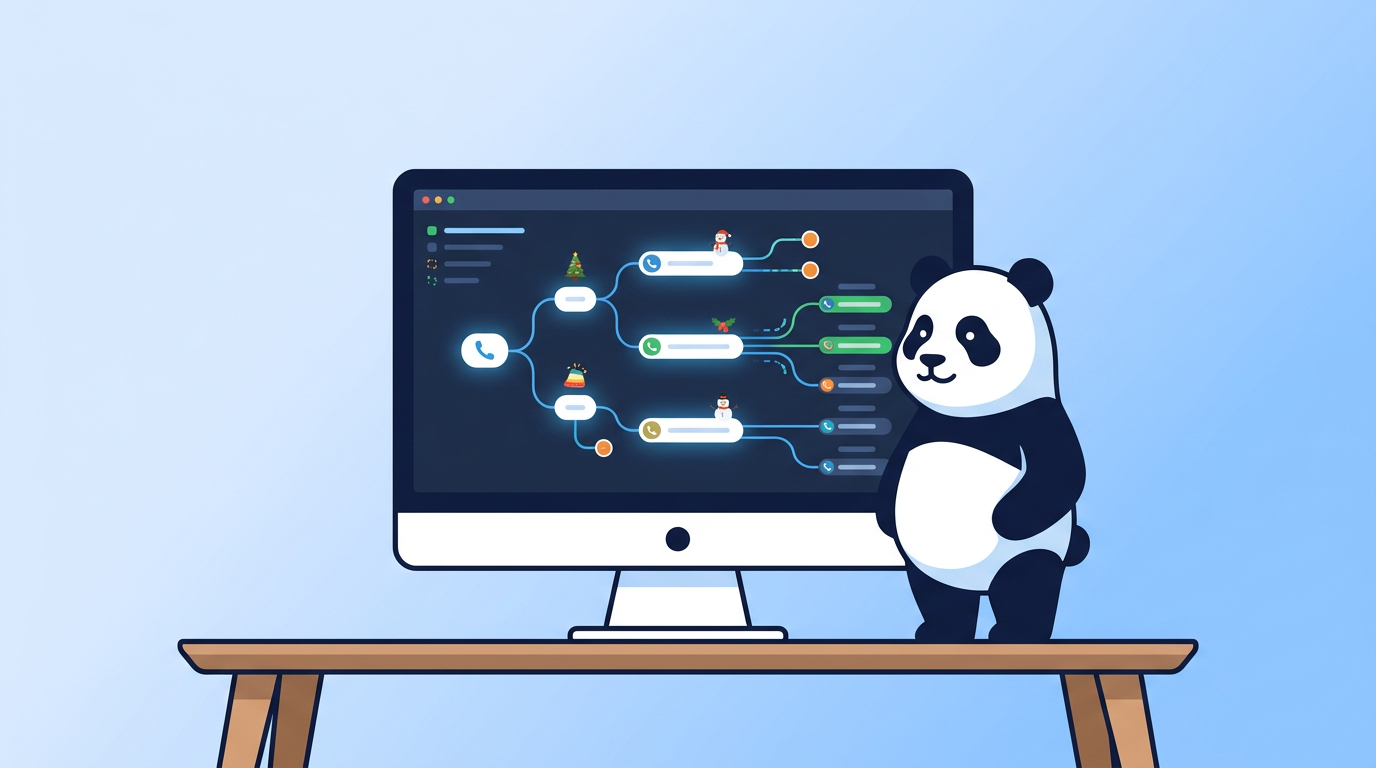
New Call Flow visualizer in Teams Admin Center
Microsoft has introduced a Call Flow Visualizer for auto attendants in the Teams Admin Center. What this feature shows, when it became available, and which limits it has..

SPF: Who Gets to Speak in Your Name?
SPF answers a single question: is this server allowed to hand over mail on behalf of this domain? Why the ten-lookup limit exists, where the lookups go in real-world records, why SPF breaks on forwarding, and why an SPF pass without alignment counts for nothing under DMARC.